Make a product page that sells
Add an FAQ, more images, a regular price, or switch on a long sales page for ads.
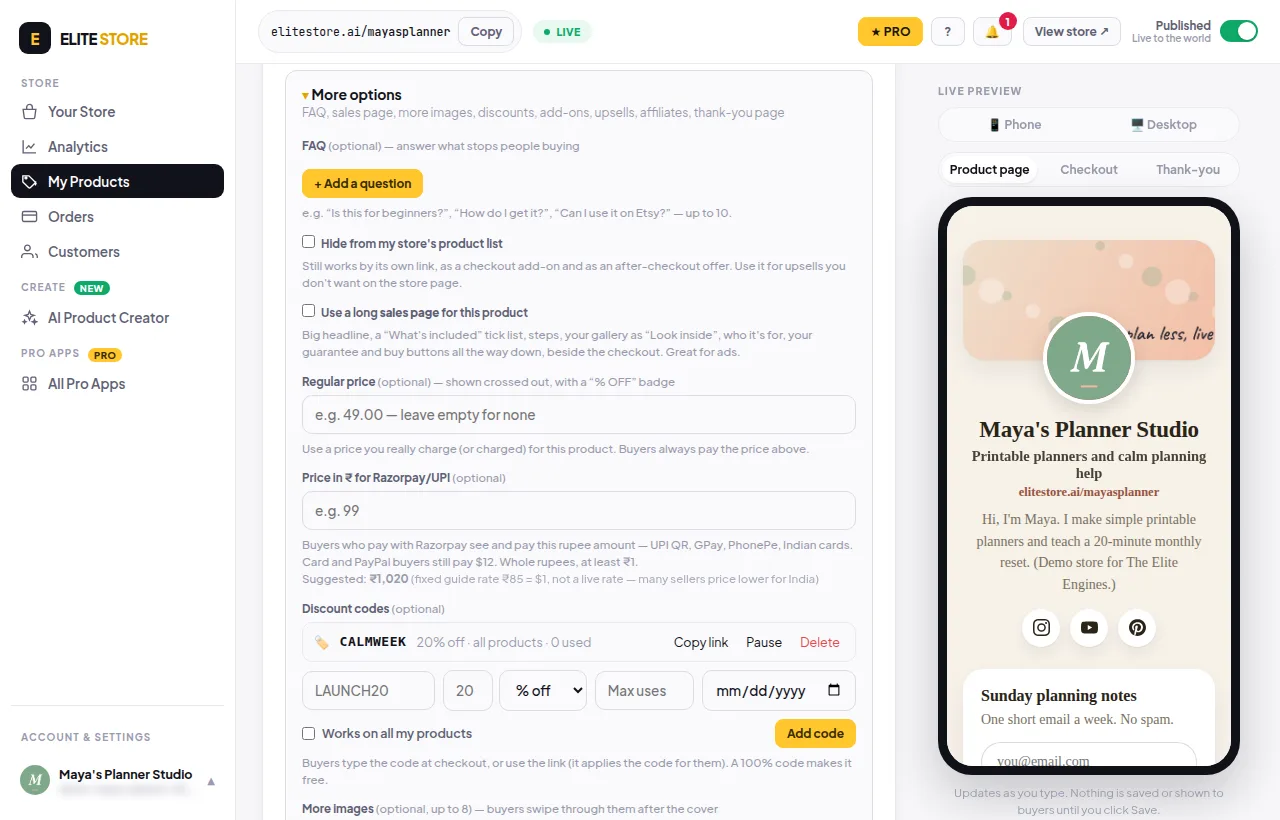
Open a product and click More options. Everything here is optional.
- FAQ: click + Add a question to answer what stops people buying (up to 10).
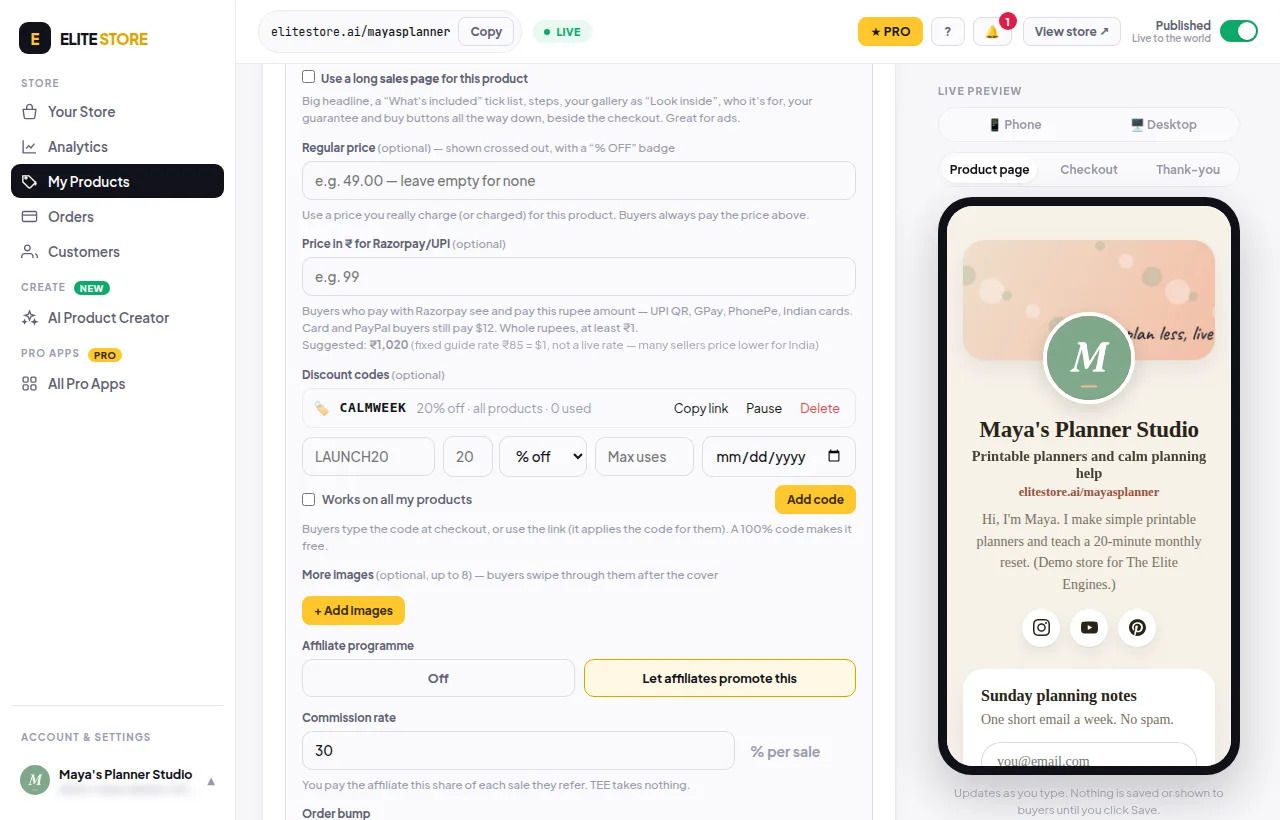
- More images: add up to 8. Buyers swipe through them after the cover.
- Regular price: shown crossed out with a “% OFF” badge. Only use a price you really charge or charged. Buyers always pay the main price.
- Use a long sales page: a big headline, “What’s included” list, steps, “Look inside” pages, who it’s for, your guarantee and buy buttons all the way down. Good for ads.
- Click Save product and check the live preview on the right.
💡
Only real promises: no made-up reviews, results or “regular” prices. Real reviews show automatically once buyers leave them.
Was this helpful?Thanks for letting us know.
Questions? Email [email protected].