Add your Meta (Facebook) Pixel
Paste your Pixel ID so Meta sees product views, checkouts and every paid purchase with the real amount.
- In Meta Events Manager → Data sources, copy your Pixel ID (numbers only).
- In Elite Store, go to Store settings → Checkout.
- Paste it into Meta Pixel ID.
- Click Save checkout settings.
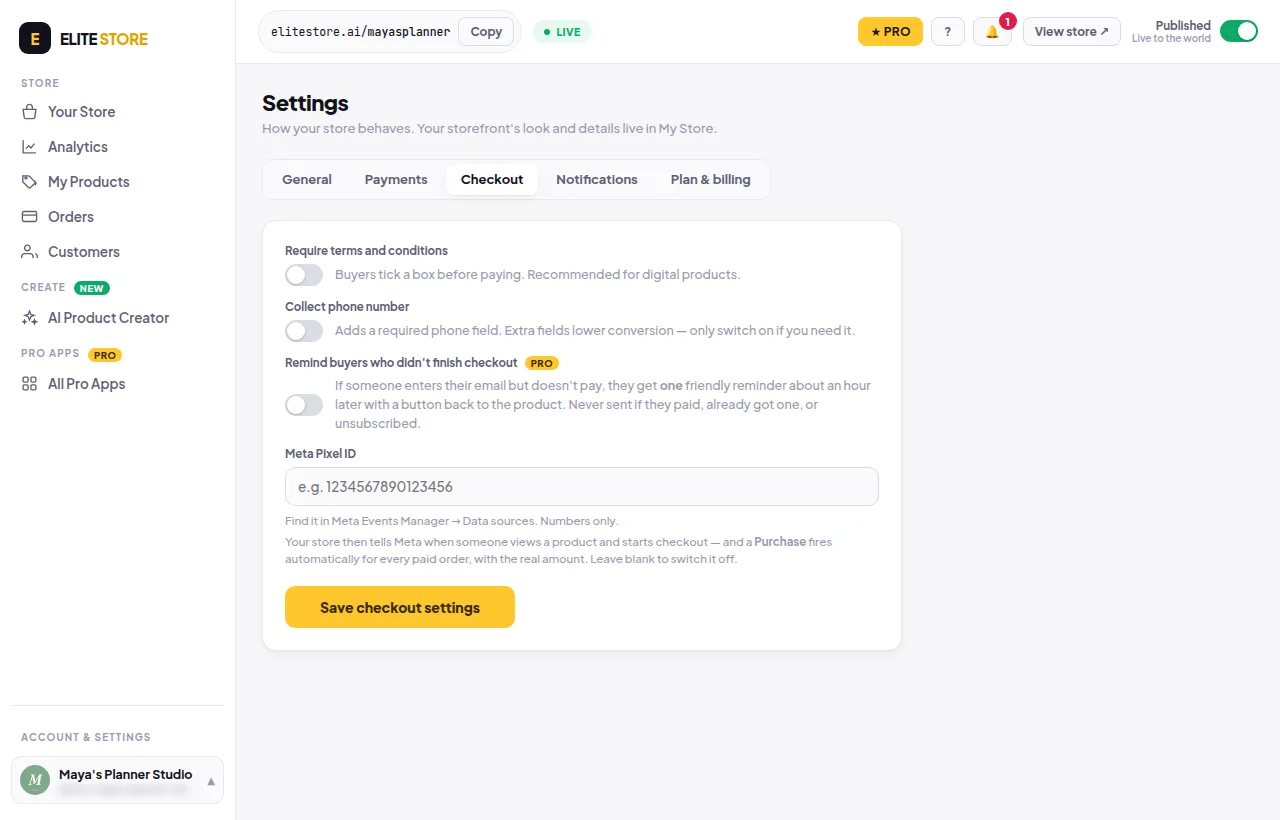
Your store then tells Meta when someone views a product and starts checkout, and a Purchase fires automatically for every paid order with the real amount. Leave the box blank to switch it off.
Was this helpful?Thanks for letting us know.
Questions? Email [email protected].