Add a digital download
Sell a PDF, template, printable, ZIP or audio file. Buyers download it right after they pay.
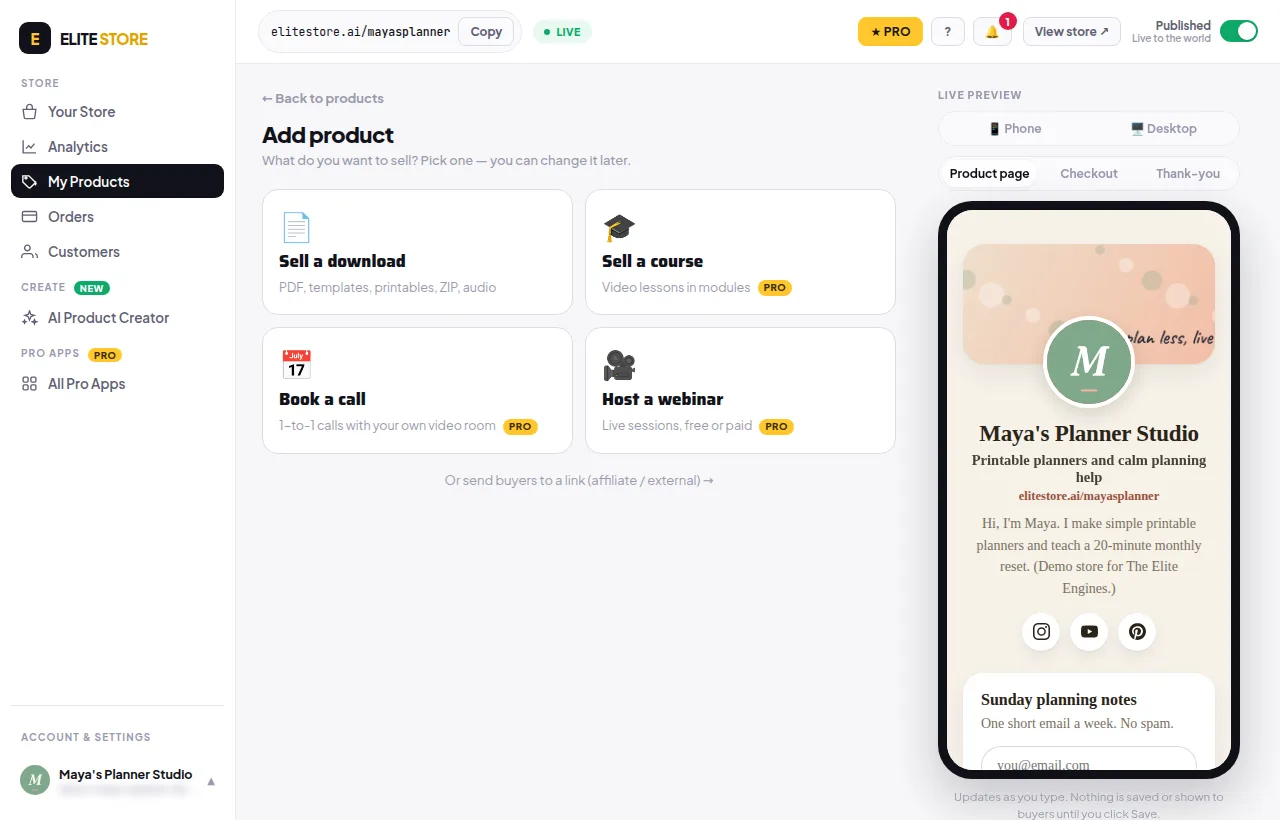
- Go to My Products and click + Add product.
- Pick Sell a download.
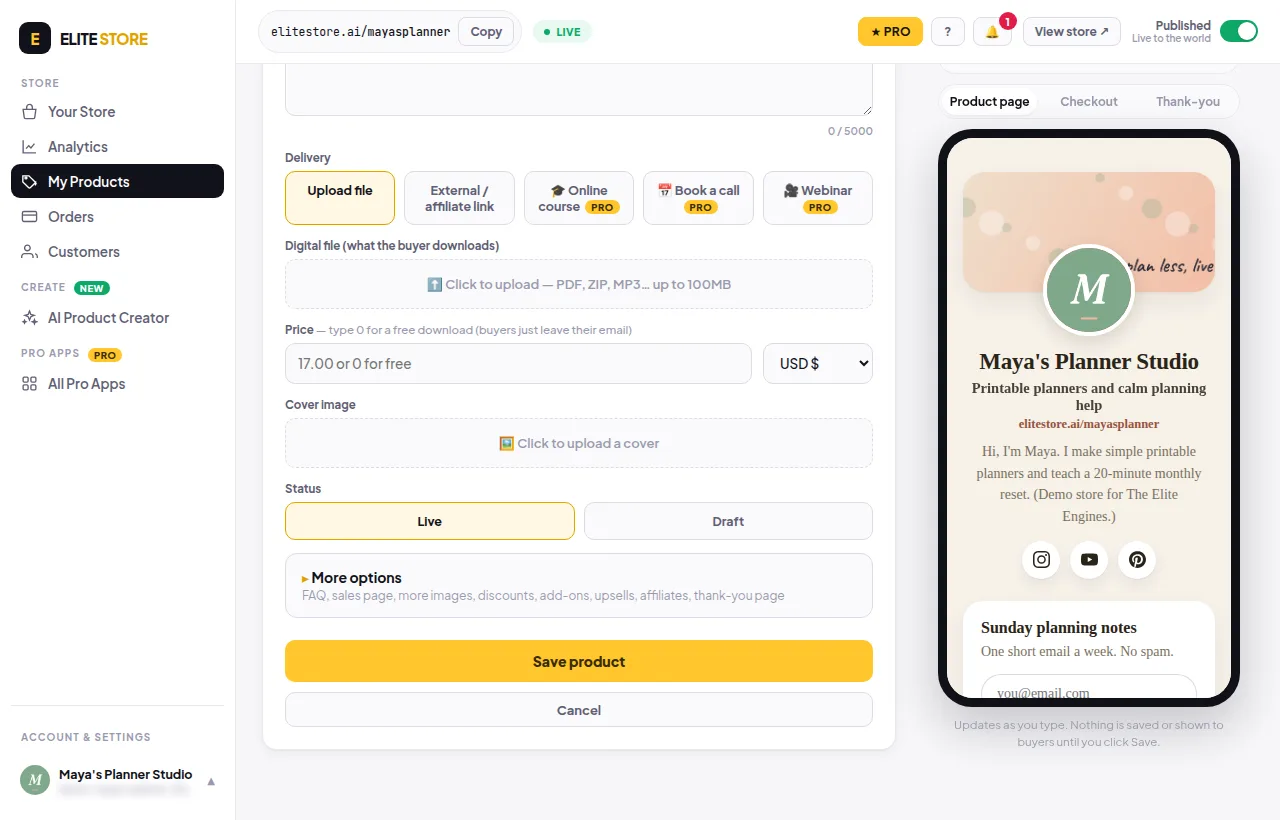
- Type a Product title and a Description (up to 5,000 characters). The toolbar adds bold, headings, lists and images.
- Under Digital file, click to upload the file buyers get. PDF, ZIP, MP3 and more, up to 100MB. Several files? Put them in one ZIP.
- Enter a Price and pick the currency: USD $, INR ₹ or EUR €.
- Upload a Cover image.
- Set Status to Live to show it, or Draft to keep it hidden.
- Click Save product.
Right after paying, buyers get a download link on screen. If “Email the buyer their download” is on, they also get it by email. Links work for 48 hours, and each file can be downloaded up to 5 times.
⭐
The Free plan shows up to 3 products on your store. Pro shows as many as you like. Compare plans
Was this helpful?Thanks for letting us know.
Questions? Email [email protected].