Customize the thank-you page
Pick a design and write what buyers see right after they pay, or send them to your own page.
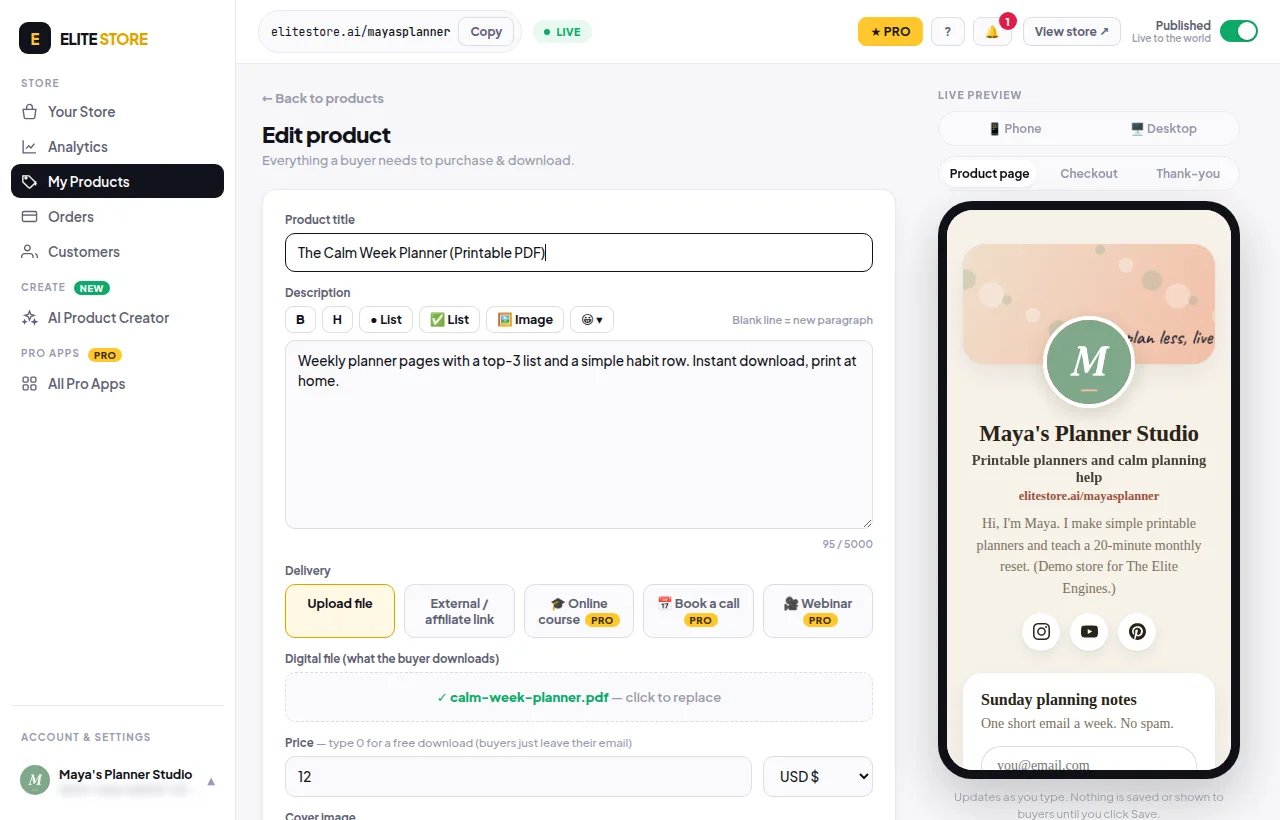
- Edit a product and open More options.
- Scroll to After purchase — Thank-you page.
- Pick a design: Celebrate, Minimal, Bold or Personal.
- Edit the Headline and Message. Optional: an Extra button, or Send buyers to my own page instead.
- Watch the live preview, then click Save product.
Was this helpful?Thanks for letting us know.
Questions? Email [email protected].