Sell an online course
Turn a product into a course with modules and lessons. Buyers watch on your store after signing in to My purchases.
- Click + Add product and pick Sell a course.
- Add a title, description, price and cover, then save.
- Under Course curriculum, add modules, then lessons inside each module.
- Each lesson can have a video link (YouTube, Vimeo, Bunny Stream or Loom), text and files to download.
- Optional: set a module to unlock a number of days after purchase (drip), and switch on a certificate of completion.
- Set the product to Live and save.
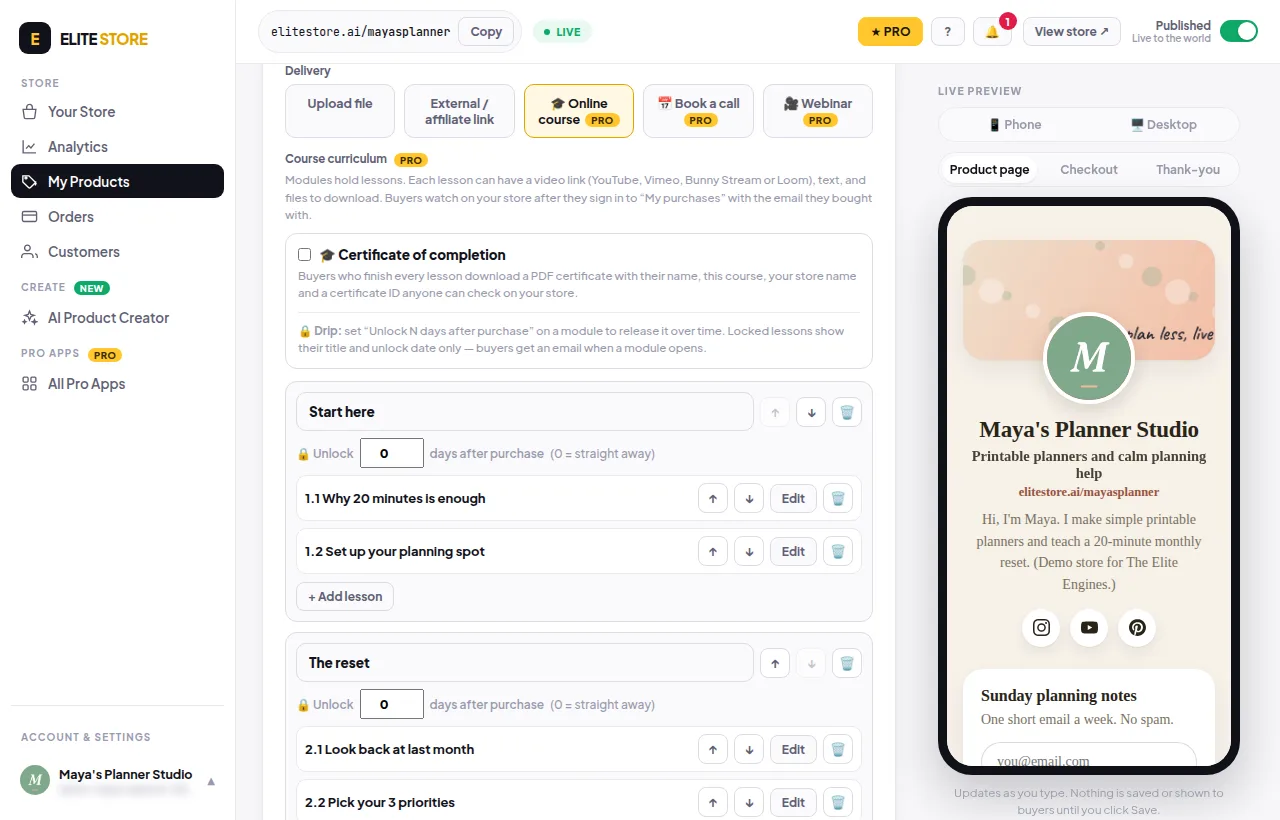
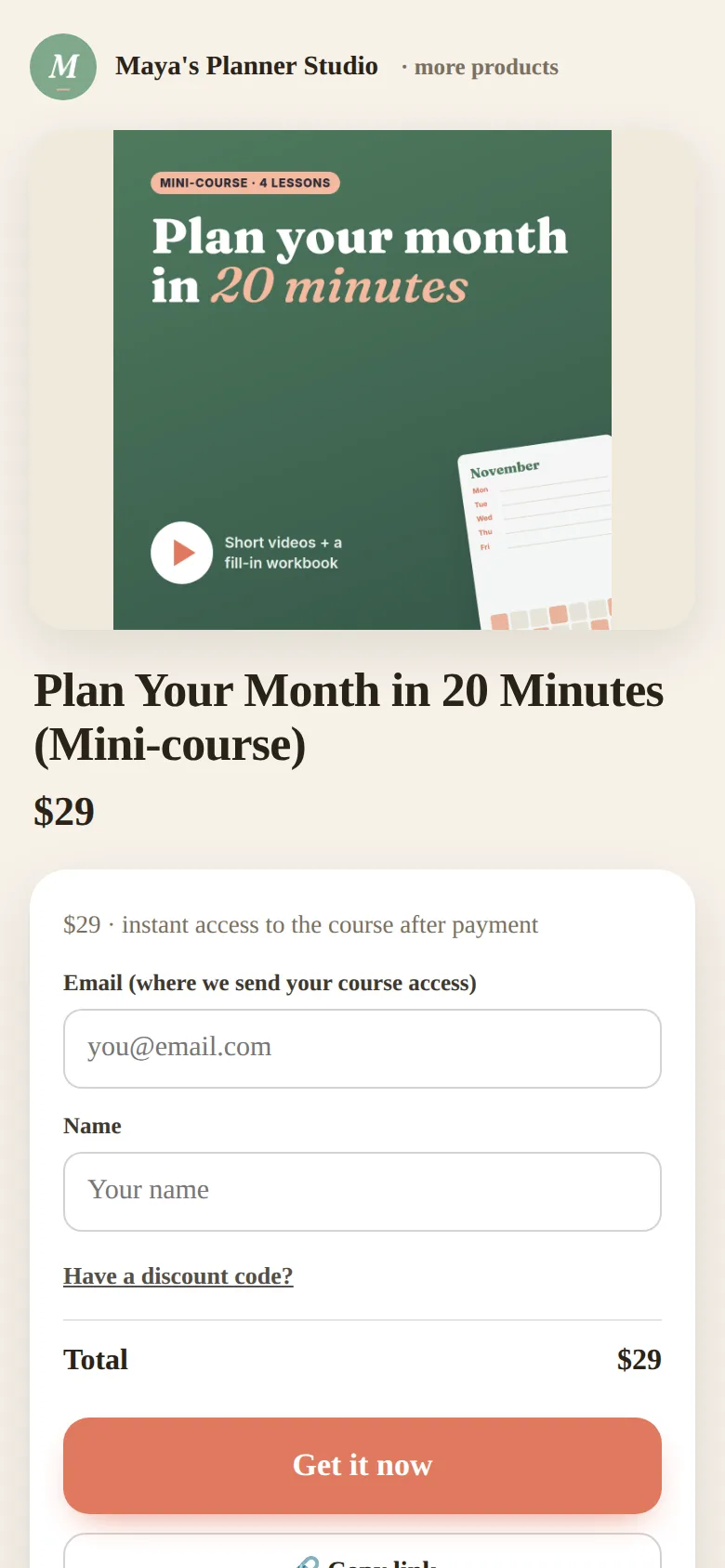
Buyers watch on your store after they sign in to My purchases with the email they bought with. Manage every course from Courses (pin it to your menu from All Pro Apps).
⭐
Courses are an Elite Store Pro feature. If a store moves to Free, its courses are hidden from the storefront, not deleted, and buyers keep their access. Compare plans
Was this helpful?Thanks for letting us know.
Questions? Email [email protected].