Require terms or collect phone numbers at checkout
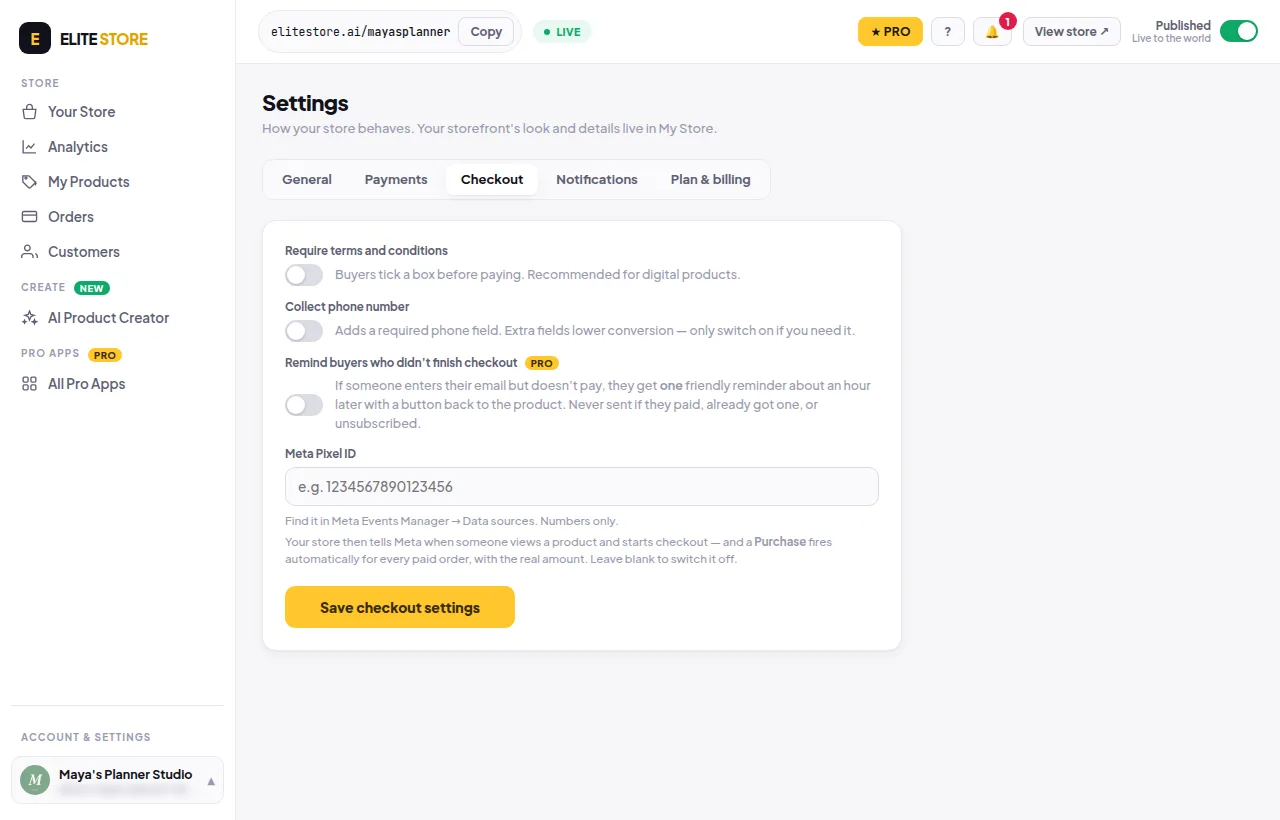
Make buyers tick your terms before paying, or add a required phone number field.
- Go to Store settings → Checkout.
- Turn on Require terms and conditions and paste a link to your terms (optional).
- Turn on Collect phone number only if you need it. Extra fields lower conversion.
- Click Save checkout settings.
Was this helpful?Thanks for letting us know.
Questions? Email [email protected].