Publish your store
Switch your store from Draft to Published so buyers can see it at elitestore.ai/yourname.
A new store starts as a Draft: only you can see it. Publish it when you’re ready for buyers.
- Add at least one product and set its status to Live.
- If you sell paid products, connect a payment account first. See How payments work.
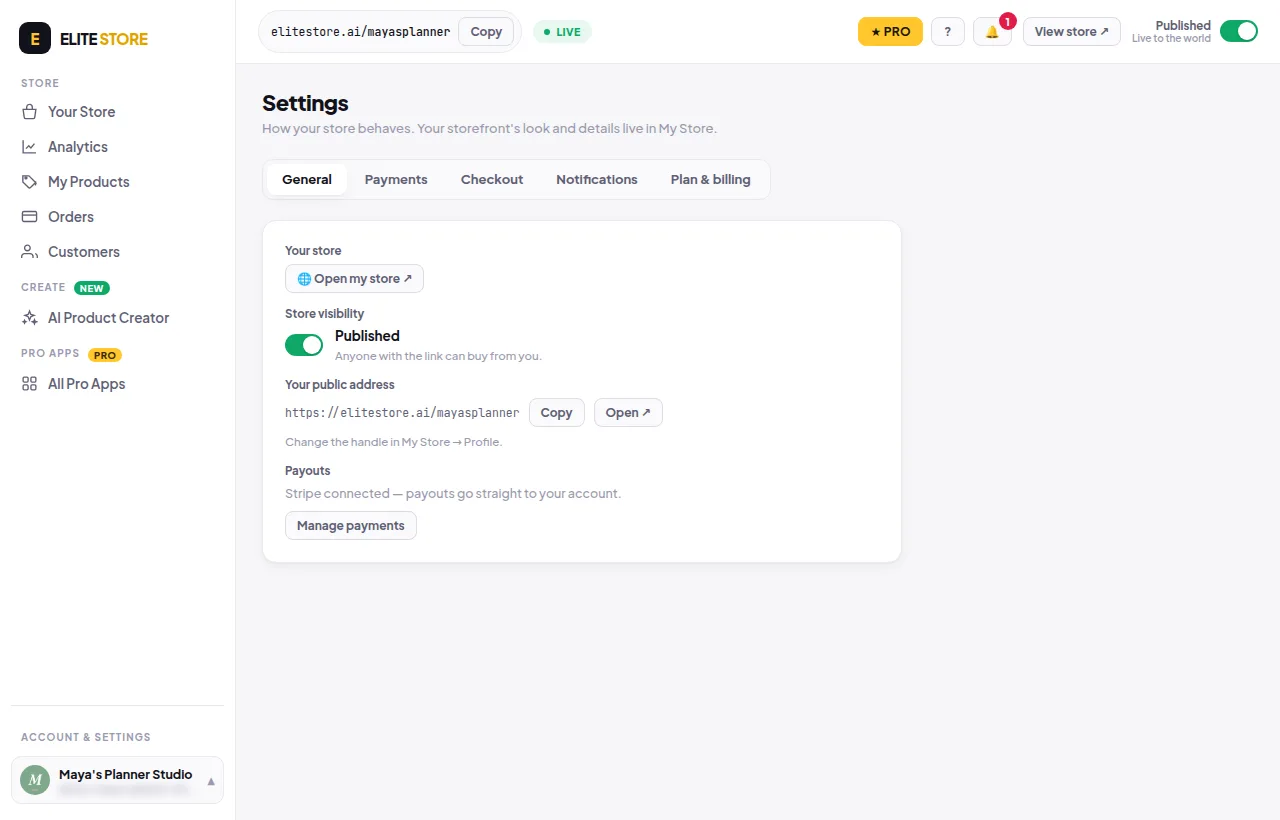
- Flip the Published switch at the top right of the dashboard. You can also go to Store settings → General → Store visibility.
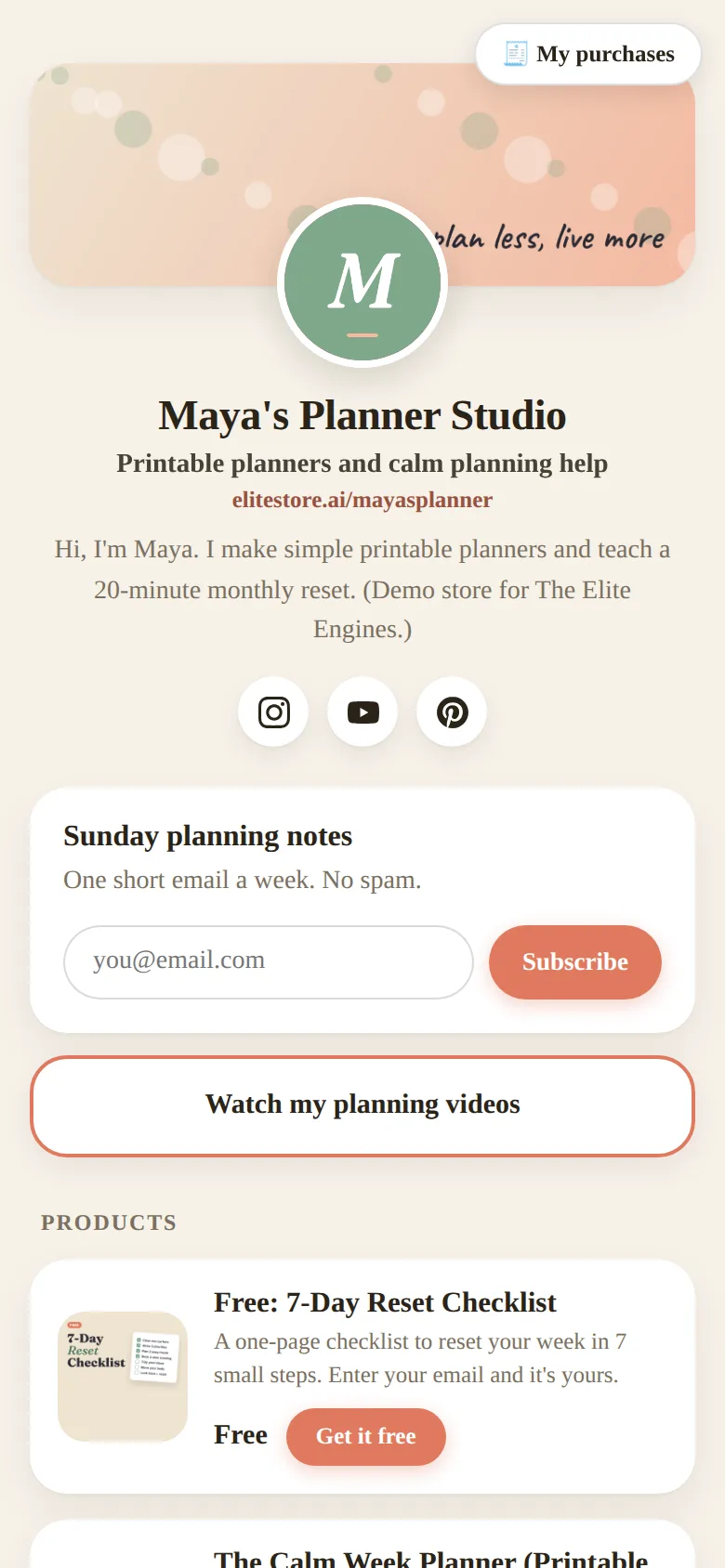
- Click View store to open your public page.
💡
A product shows on your store only when the product is Live and your store is Published.
Was this helpful?Thanks for letting us know.
Questions? Email [email protected].