Add a cover banner and choose a layout
Upload a 1500 × 450 banner and choose List, Grid or Spotlight for your products.
Cover banner
- Go to Your Store → Design.
- Click Upload banner. Best size 1500 × 450 px. PNG, JPG, WebP or GIF, max 5MB.
- To change it, click Replace banner. Click Remove to go back to a banner in your accent colour.
Layout
- List: one product per row with its description.
- Grid: products side by side. Good when you have many.
- Spotlight (Pro): your first product shown big, the rest below. Drag your best product to the top.
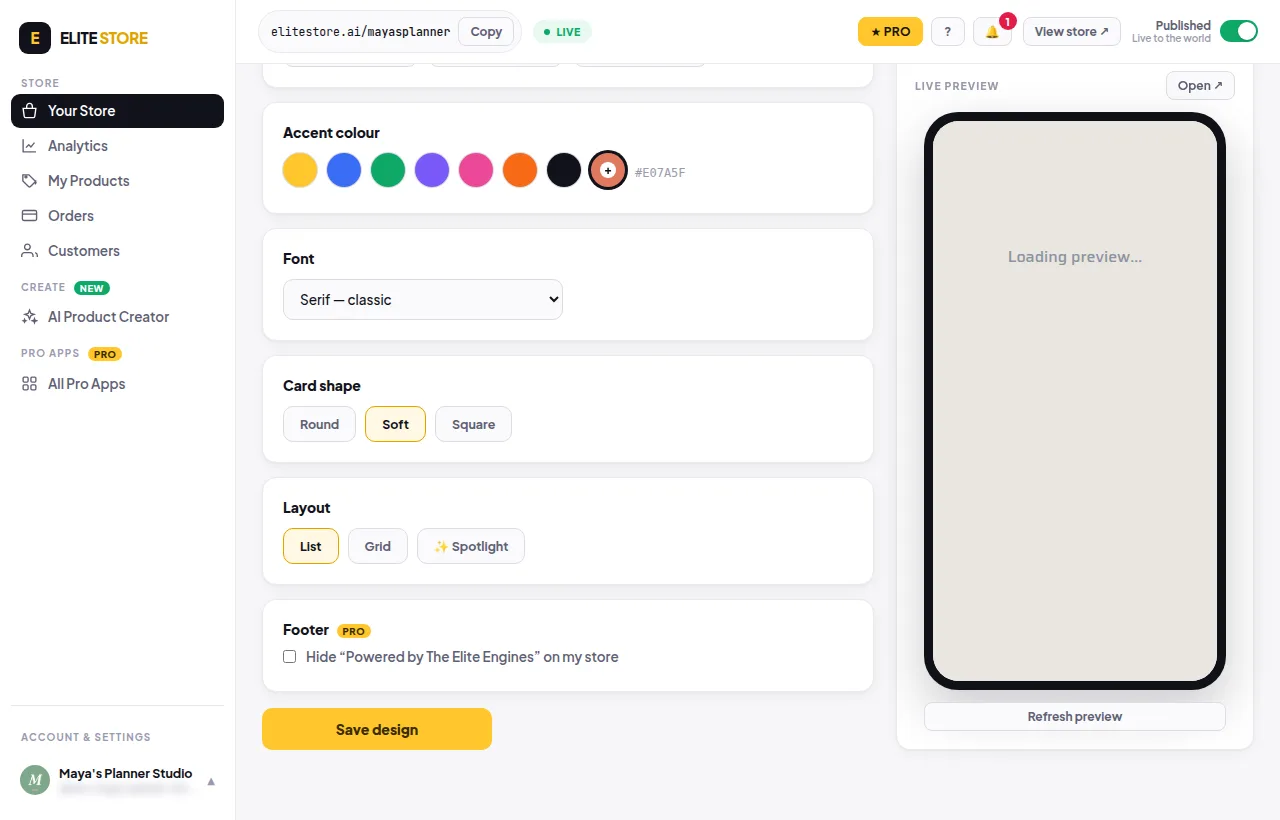
Click Save design when you’re done.
Was this helpful?Thanks for letting us know.
Questions? Email [email protected].