Add links, videos, text and an email sign-up (link in bio)
Turn your store into a full link-in-bio page with blocks above your products.
- Go to Your Store → Store.
- In Links & blocks, click a block type: Link, Video, Text or Email sign-up.
- Fill it in and click Save.
- Use the arrows to move a block, the switch to hide it, and Edit or Delete to change it.
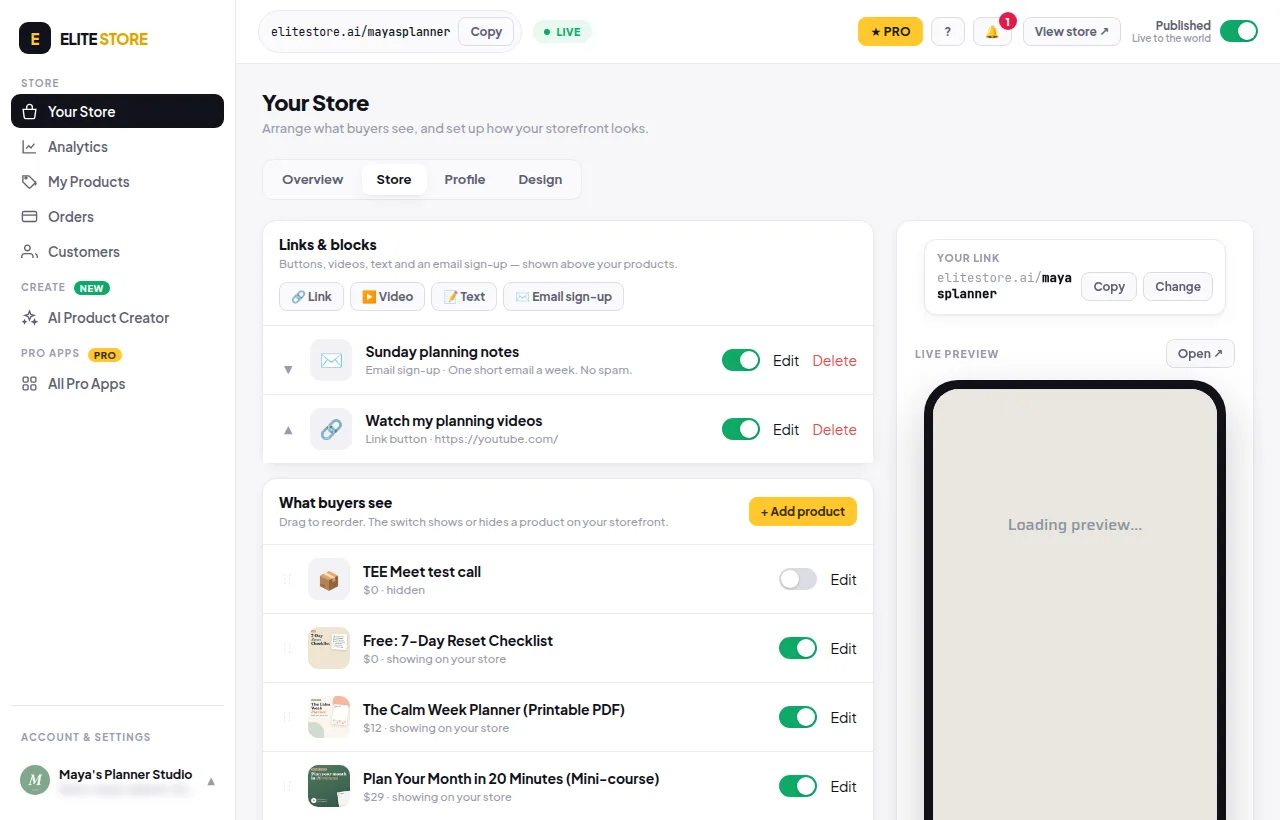
- Link: a big button to any web page.
- Video: paste a YouTube or Vimeo link. It plays on your store.
- Text: a heading and a short paragraph.
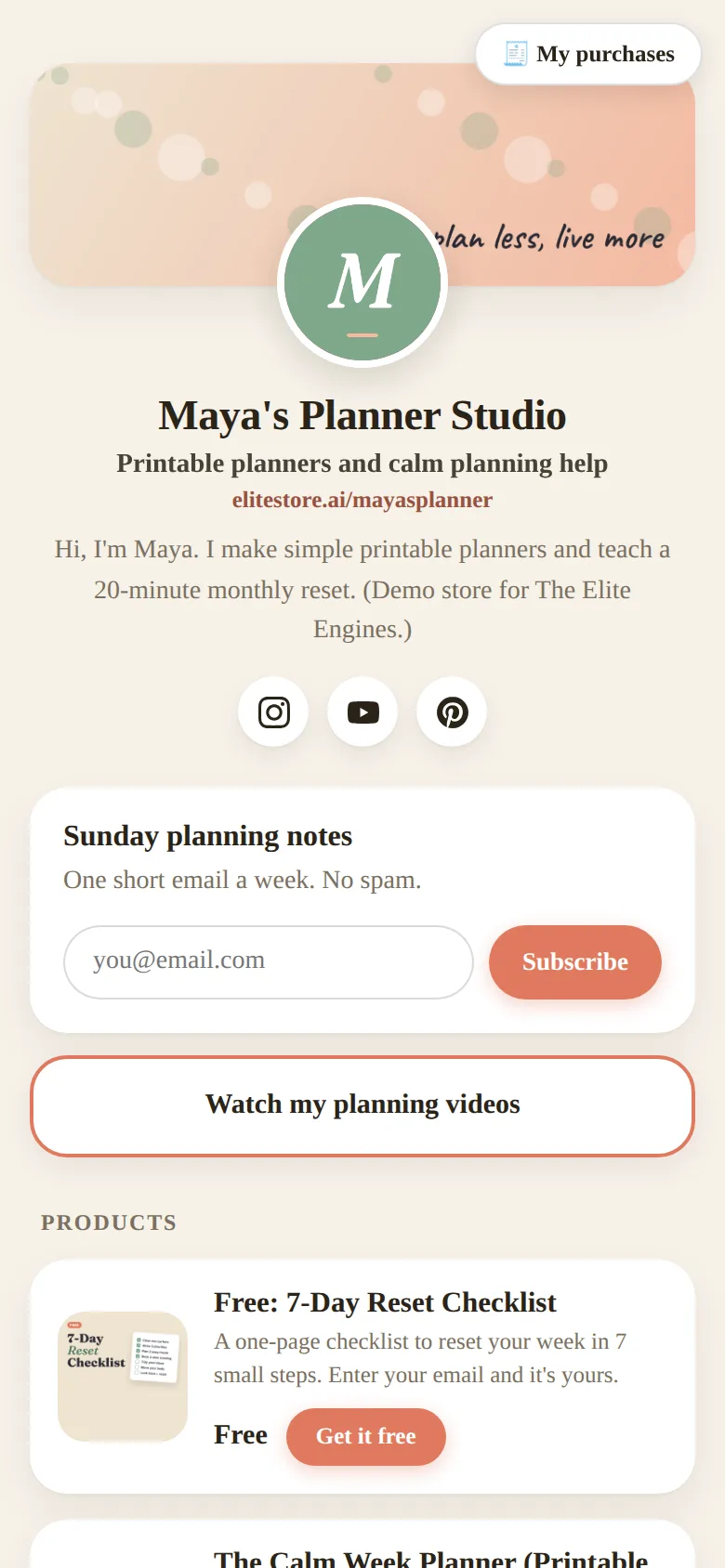
- Email sign-up: visitors leave their email and appear in Customers as a subscriber.
💡
You can have up to 30 blocks.
Was this helpful?Thanks for letting us know.
Questions? Email [email protected].